Almost all popular video editing software today is paid and requires an active subscription to access its full potential. CapCut locks most of its premium features behind a paywall, Filmora and PowerDirector charge annual subscription fees just to keep their main features accessible, while Adobe Premiere Pro relies entirely on a monthly subscription that instantly revokes your access if you miss a payment. For solo creators, students, or anyone without a dedicated recurring software budget, this can easily become a significant financial burden.
Because of this, many have started seriously looking into open-source alternatives. These tools are completely free, can be downloaded and used indefinitely, and won’t suddenly lock features behind a new subscription tier. The challenge, however, is that many of them come with unfamiliar interfaces or workflows that aren’t as polished and intuitive as commercial software honed over many years. This list presents five open-source video editors worth considering, ranked from the easiest to learn to the most challenging, so you can find the perfect entry point that suits your needs.
1. OpenCut: The Easiest for Beginners
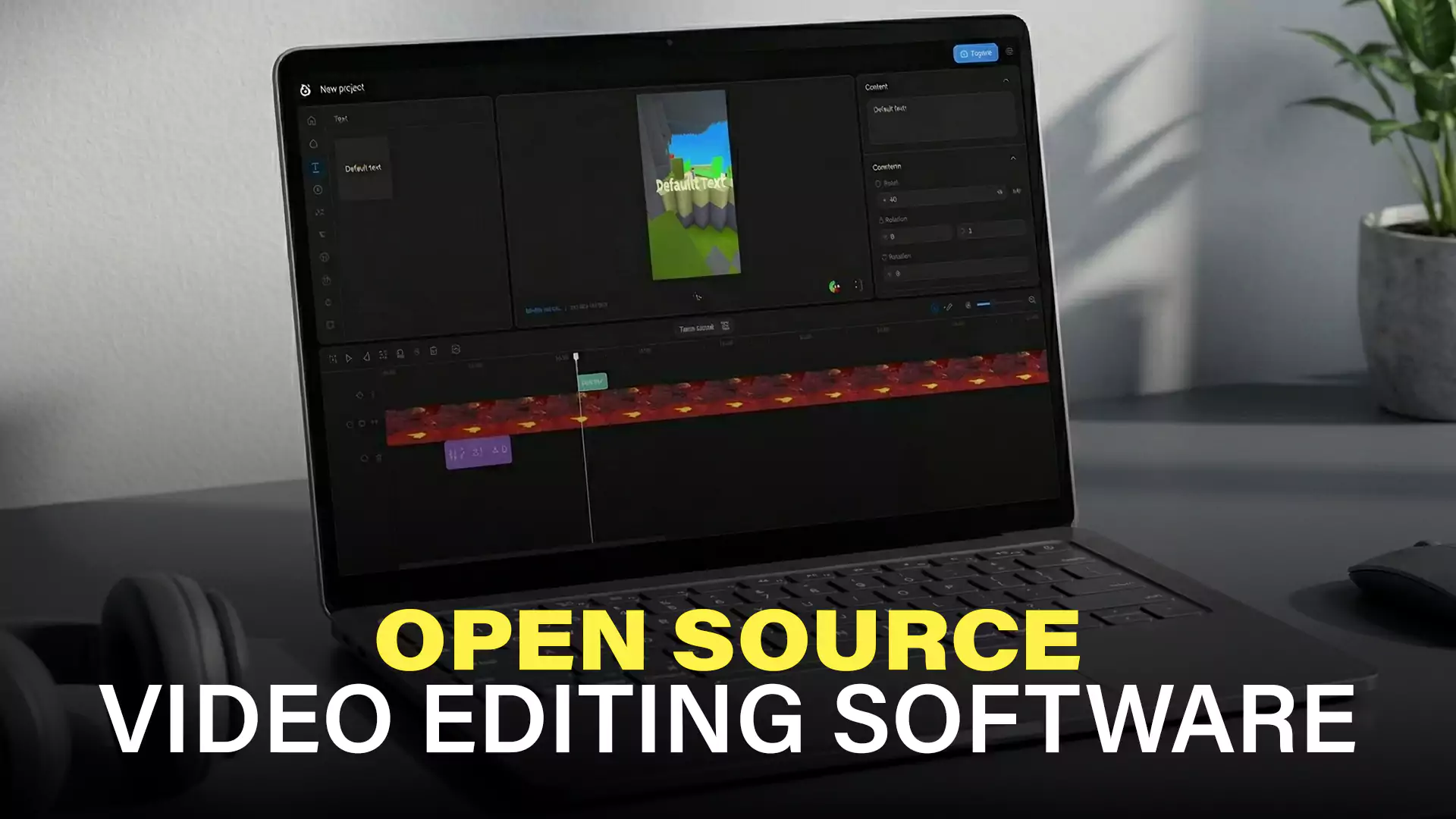
OpenCut is a web-based open-source video editor born as a direct response to privacy concerns surrounding CapCut. The project prioritizes simplicity and privacy as its core values—all videos are processed entirely locally on the user’s device. No uploads to any server, no watermarks, and no account required.
The main reason OpenCut takes the top spot for ease of use is that it doesn’t force you to install anything. Just open your browser and start editing. Its interface is designed to feel familiar from day one, sporting a layout reminiscent of modern web-based video editors you’ve likely seen before. While its feature set is intentionally kept lean, it’s not as bare-bones as you might think. OpenCut already supports multi-track timelines, real-time previews, and frame-by-frame editing, all running directly in your browser. Simplicity here doesn’t mean a lack of features; rather, it means an interface that never feels intimidating.
One thing to note is that OpenCut is still a very young project. Even though it’s already available in early beta at opencut.app, active development is ongoing, meaning several features might change or be added in the near future.
Key Features
- Multi-track timeline editing with real-time preview
- Text and subtitle support
- Simple clip transitions
- Export videos directly from the browser
- No account, login, or installation required
Drawbacks
- Very new project under active development, so stability may vary
- Advanced features like color grading are not yet available
- Not suited for highly complex editing projects
OpenCut is perfect for first-timers who want to dive straight into video editing and see results immediately without a learning curve, all while ensuring their video files are never uploaded to anyone’s servers.
| Difficulty Level | Very Easy |
| Platform | Web-based (Browser), Desktop (in development) |
| License | MIT |
| Website | opencut.app |
2. OpenShot: Beginner-Friendly with a Fuller Feature Set
OpenShot is one of the most historically significant open-source video editors still in active development. The project kicked off in August 2008 by Jonathan Thomas, a Texas-based developer frustrated by the lack of suitable video editors for his Ubuntu system. OpenShot has now been around for over a decade and a half, and its recently released version 3.5 is touted as one of the biggest updates in its history, bringing massive leaps in timeline performance and GPU acceleration.
What makes OpenShot so easy to pick up is its combination of a clean interface design and an incredibly rich learning ecosystem. Its drag-and-drop system works intuitively straight from your file manager to the timeline, and there are no confusing hidden menus to navigate. The available online documentation and tutorials are abundant, so whenever you find yourself stuck, answers are just a quick search away. OpenShot has also supported ChromeOS since version 2.6.0, making it one of the rare open-source editors that runs natively across four major platforms.
Key Features
- Straightforward, multi-track timeline
- A wide variety of video effects, including brightness, gamma, hue, chroma key, and many more
- Real-time previews for transitions
- Broad format support for video, audio, and images powered by FFmpeg
- Keyframe animation for object movements
- Basic 3D rendering through Blender integration (optional)
- Export presets for various formats including YouTube, Vimeo, and DVD
Drawbacks
- Color grading features remain very limited compared to more advanced competitors
- Not suitable for high-end professional editing workflows
- Historically notorious for crashing in older formats, though the latest version 3.5 claims significant stability improvements
OpenShot is the ideal choice for beginners who are ready to move past basic cutting-and-pasting and want to start creating vlogs, family videos, or simple presentations.
| Difficulty Level | Easy |
| Platform | Windows, macOS, Linux, ChromeOS |
| License | GPL v3 |
| Website | openshot.org |
3. Shotcut: The Sweet Spot Between Ease of Use and Capability
Shotcut boasts a rather unique history. Initially conceived in November 2004, the version we use today is a massive rewrite by Dan Dennedy, co-founder of the MLT framework—the very engine powering many open-source video editors. Dennedy aimed to build a new editor that fully leveraged MLT’s cross-platform muscle, resulting in the Shotcut we know today.
Shotcut sits solidly in the middle of our ranking due to its highly customizable interface. Every panel can be detached, moved, and rearranged exactly to your liking. While this flexibility is great, it also means there’s a steeper learning curve right out of the gate. Shotcut’s approach to filters also differs slightly from mainstream editing software and takes a bit of getting used to. However, once you push through that initial adjustment period, Shotcut reveals itself to be immensely capable. It supports native timeline editing—meaning no transcoding or importing necessary before you start cutting. It packs an insanely deep roster of video and audio filters (well over 200, including 360° video filters), comprehensive color grading with professional scopes like histograms and waveforms, and hardware-accelerated encoding via GPU. Its format support is also exceptionally broad, largely thanks to its FFmpeg backbone.
Key Features
- Native timeline editing (no importing or transcoding needed prior to editing)
- An exhaustive library of video and audio filters, including support for 360° video
- Advanced color grading complete with professional scopes (histogram, waveform, and vectorscope)
- Extensive video format support powered by FFmpeg
- GPU-based hardware encoding for blazing-fast exports
- Keyframe animation featuring diverse interpolation modes
- Support for up to 4K resolutions, HDR, and 10-bit video
Drawbacks
- The high degree of customizability can make the initial interface feel alien to new users
- Some of the more advanced features suffer from a lack of thorough documentation
- Missing native multi-cam editing capabilities
Shotcut is a fantastic fit for YouTubers, educational content creators, or anyone who has already mastered the basics of editing and is looking to level up without transitioning to paid software.
| Difficulty Level | Medium |
| Platform | Windows, macOS, Linux |
| License | GPL v3+ |
| Website | shotcut.org |
4. Kdenlive: The Semi-Professional Powerhouse
Kdenlive (short for KDE Non-Linear Video Editor) is a heavyweight open-source editing tool developed as part of the KDE ecosystem. The software has grown by leaps and bounds over the past few years, positioning itself today as a highly comprehensive solution for serious video production.
Kdenlive is harder to learn not because of a bad interface, but simply due to the sheer volume of things you can do with it—coupled with the fact that some features are so new their documentation is still catching up. For instance, nested timelines were properly introduced in version 23.04 in 2023, fundamentally reshaping how large-scale projects are handled. With this feature, editors can break down massive projects into separate sequences that remain editable at any time, with changes automatically reflecting in the main project tree. Its integrated speech-to-text tool supports dual engines: VOSK and OpenAI Whisper, with Whisper delivering superior accuracy, multi-language support, and auto-translation into English. Glaxnimate integration for vector animations was also added starting from version 22.08. These features are incredibly potent but each demands dedicated time to master.
Key Features
- Multi-track timeline featuring nested sequence support (since v23.04)
- Proxy editing for butter-smooth playback when handling high-resolution files
- Robust color grading with LUT support
- A vast array of effects and transitions via the MLT framework
- Keyframe animation equipped with easing modes
- Solid multi-track audio mixing capabilities
- Built-in speech-to-text powered by VOSK and OpenAI Whisper (since v23.04)
- Direct vector animation integration via Glaxnimate (since v22.08)
- Fully customizable workspace layouts
Drawbacks
- Can easily overwhelm beginners due to the sheer density of features and options
- Several newer tools require extra technical configuration, such as downloading language models separately for speech-to-text
- Historically runs best on Linux; Windows and macOS builds can sometimes feel less optimized
Kdenlive is best suited for video editors who already have experience with other non-linear editors and are looking for a more potent tool, or for professionals heavily invested in the Linux environment.
| Difficulty Level | Medium to Advanced |
| Platform | Linux (primary), Windows, macOS |
| License | GPL v2+ |
| Website | kdenlive.org |
5. Blender: The Most Difficult, Yet Unquestionably the Most Powerful
Blender is a world-renowned open-source 3D creative suite that happens to pack built-in video editing capabilities through its Video Sequence Editor (VSE). It’s crucial to point out that Blender wasn’t built exclusively to be a video editor; it is a holistic toolkit designed for 3D modeling, animation, rendering, simulation, and compositing. That said, its VSE is more than powerful enough to handle serious video production—and the Blender team’s 2026 roadmap actually outlines massive overhauls for the VSE, including hardware-accelerated video decoding and refined ripple editing workflows.
Blender takes the toughest spot on this list for very concrete reasons, well beyond simply having “too many features.” For starters, Blender VSE’s terminology actively defies standard video editing conventions. Video clips are referred to as strips, tracks are called channels, and the exporting process is known as animation. Because of this, even seasoned editors coming from standard software have to adjust to a completely new vocabulary. Secondly, as many in the Blender community will readily admit, you need to conquer the core UI learning curve of Blender as a whole before its VSE starts making sense. For existing Blender artists, the VSE feels very natural, but for fresh transplants, you’re essentially forced up two steep learning curves at once. Finally, educational resources specifically tailored to the VSE are sparse compared to the ocean of tutorials covering Blender’s iconic 3D features.
However, for those willing to endure the learning curve, Blender unlocks capabilities completely unmatched by any other software on this list. Its total integration with the 3D pipeline allows you to render 3D elements directly over your video timeline—a feat practically impossible in any conventional video editor.
Core Video Editing Features
- The Video Sequence Editor (VSE) for complex multi-track editing
- Node-based Compositor for cutting-edge visual effects
- Complete integration with Blender’s 3D pipeline, funneling 3D renders straight into your timeline
- Pro-grade Color Management supporting cinematic standards like ACES and Filmic
- Limitless support for any resolution and frame rate
- Native rendering with Eevee or Cycles for shots reliant on 3D objects
- Deep Python scripting support allowing for total automation and custom workflow building
Drawbacks
- Alien terminology completely detached from industry editing conventions (e.g., strips, channels, animation)
- Demands a base-level understanding of Blender’s broader UI before you can actually become productive in the VSE
- VSE-specific learning resources pale in comparison to tutorials for its flagship 3D capabilities
Blender is the ultimate choice for 3D artists, motion designers, or VFX professionals who already use the program daily and want to seamlessly absorb their video editing into one unbroken creative pipeline.
| Difficulty Level | Very Advanced |
| Platform | Windows, macOS, Linux |
| License | GPL v3+ |
| Website | blender.org |
Conclusion
Choosing the right video editing software isn’t about finding the absolute “best” program—it’s about finding the one most perfectly aligned with your current skill level and requirements. If you’re starting from scratch, OpenCut offers the lowest barrier to entry. Once you’re comfortable, OpenShot gives you greater room to grow without feeling intimidating, especially now that version 3.5 provides vastly improved stability. Shotcut serves as an excellent stepping stone for those finally ready to level up, while Kdenlive awaits editors looking to truly dive deep into serious production without paying a dime. As for Blender, it certainly isn’t for everyone; but for artists committed to operating within a 3D ecosystem, its potential is practically boundless.
Above all, remember that there are no shortcuts when it comes to mastering video editing. Pick one piece of software, stick with it, practice consistently, and you’ll level up your editing skills faster than you ever thought possible.