
Features We Offer
Precision Slicing
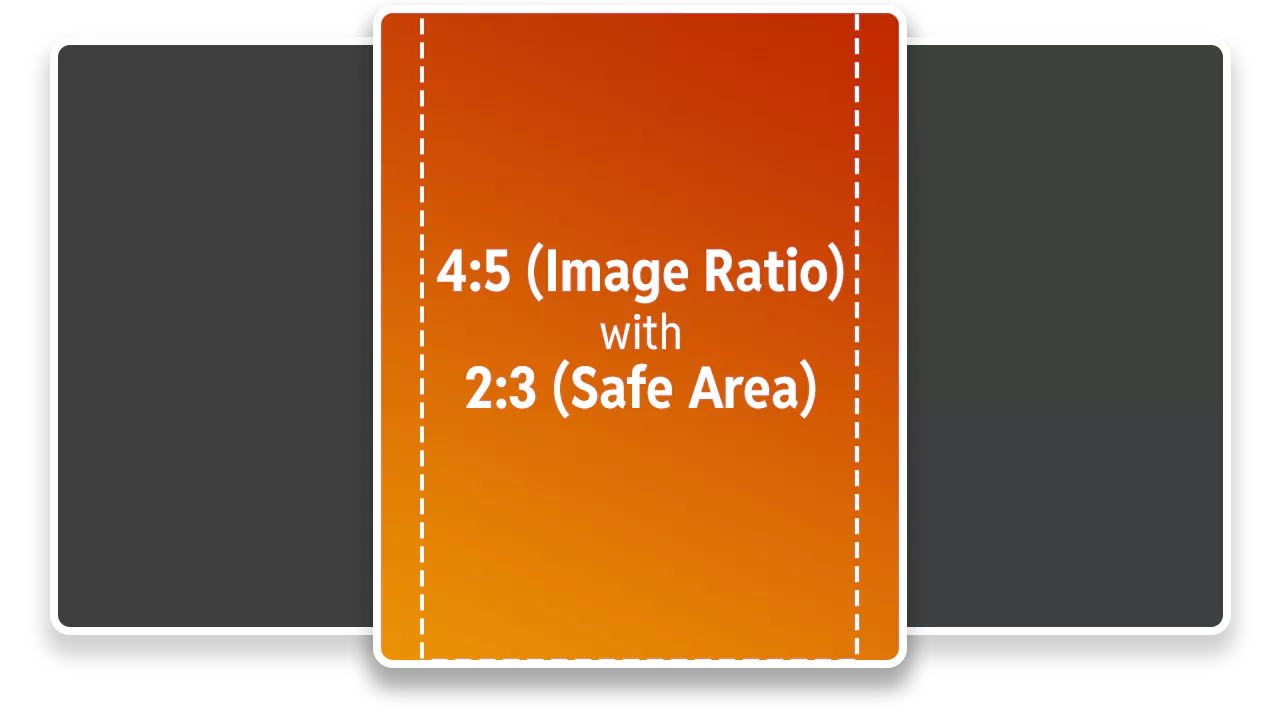
Feed Splitter automatically crops images to the latest 2025 Instagram standard (4:5 aspect ratio with a 2:3 safe area), ensuring your important content is never cut off. The results are proportional without the hassle of manual cropping.
Realistic Instagram Grid Preview
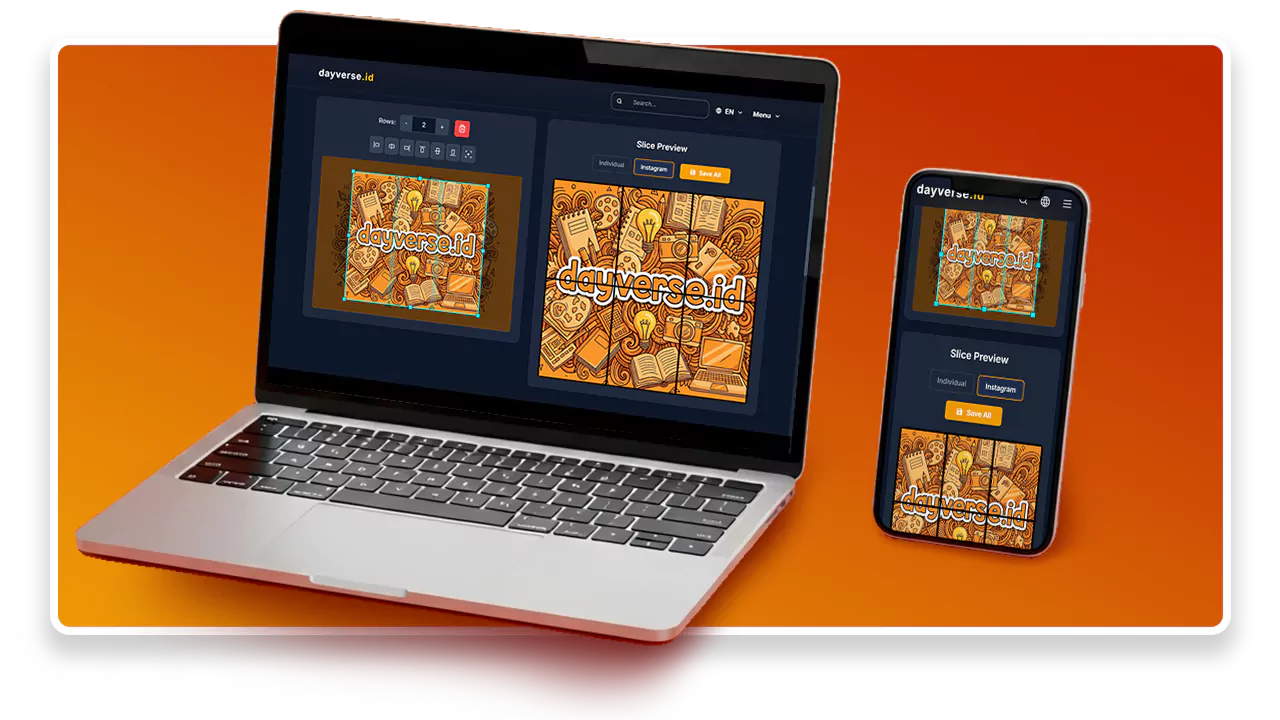
This tool provides a grid preview that mimics the actual Instagram layout. You can see exactly how your sliced images will look on your feed before you upload them. This ensures a more confident, polished, and predictable outcome.
Privacy Guaranteed, 100% On Your Device
All image processing happens directly in your browser. No images are uploaded to our servers, there are no usage limits, and it's completely free forever. Your privacy is protected, giving you the freedom to create without worry.
How to Use
1. Upload the image you want to split for your Instagram feed. Make sure the image has a
good resolution for the best results when divided into multiple parts.
2. Select the number of rows you want; each row automatically has 3 columns. This
determines how many pieces your image will be divided into for a stunning grid
effect.
3. Preview the sliced results to ensure they look great and the image transitions
smoothly across all parts. You can adjust the image position if needed before
downloading.
4. Download all the image slices and upload them to Instagram in the correct order.
Remember to post them sequentially so the grid appears perfectly when people visit your
Instagram profile page.
Click here for a complete step-by-step tutorial.