
Features We Offer
A highly practical 3D model viewer and converter that processes everything directly in your browser.
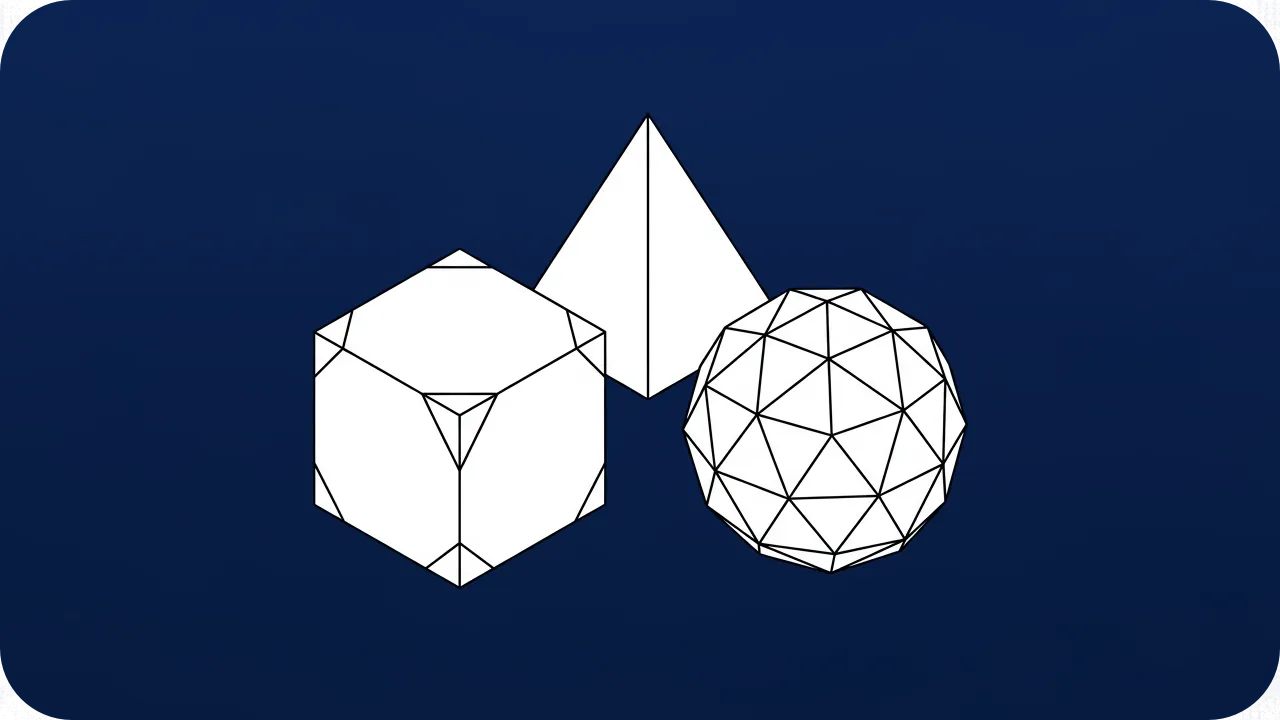
Format Support
Import OBJ, FBX, GLTF, GLB, PLY, DAE, STL, BBModel, and Minecraft JSON models. Export to GLB, GLTF, OBJ, PLY, and STL.

Interactive Preview
Real-time 3D viewport with drag-and-drop loading, wireframe toggle, auto-rotate, grid overlay, and live FPS/vertex/triangle stats.
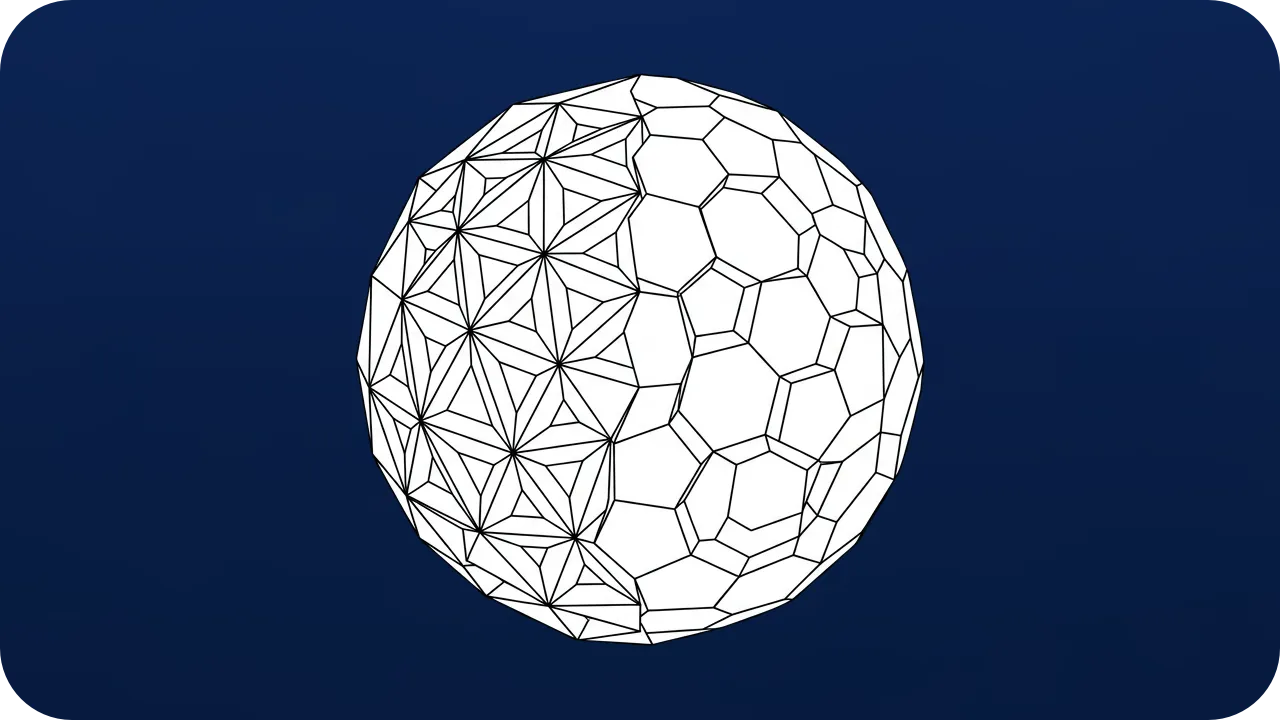
Textures & Materials
Convert 3D models along with their textures and materials. Colors, diffuse textures, and PBR materials are preserved in supported formats.
Frequently Asked Questions
What 3D formats are supported?
You can import OBJ, FBX, GLTF, GLB, PLY, DAE, STL, BBModel (Blockbench), and Minecraft vanilla JSON models. Export options include GLB, GLTF, OBJ, PLY, and STL.
Can I preview Minecraft models?
Absolutely. A specialized loader parses Minecraft vanilla JSON block/item models, including block rotations, UV boundaries, and face orientations.
Can I convert BBModel (Blockbench) to GLB?
Yes. Import your .bbmodel file from Blockbench and export it as GLB. The conversion preserves the model structure and textures for use in other 3D applications.
Can I convert Minecraft Java JSON models to OBJ or STL?
Yes. Load your vanilla Minecraft .json model, preview it in the 3D viewport, then export as OBJ or STL. This is useful for 3D printing Minecraft models or using them in other software.
Can I convert FBX to GLTF for game engines?
Yes. FBX files can be imported and exported as GLTF, the standard format for web and game engines. Ideal for preparing models for use in Unity, Unreal, or Three.js projects.
Does it preserve textures and materials during conversion?
Yes. Textures and materials are carried through the conversion process whenever the target format supports them. PBR materials are also handled for compatible formats like GLTF and GLB.