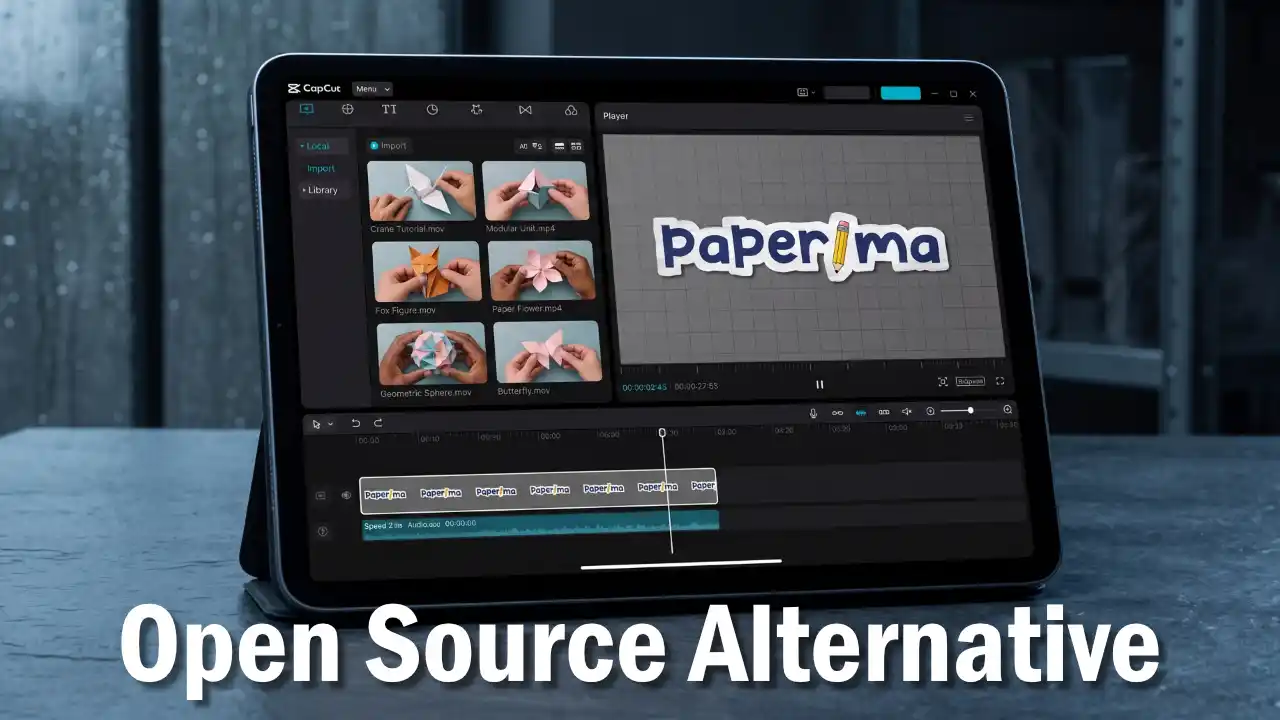
Stop-motion paper cutout animations and vintage magazine collage effects have become some of the most engaging visual styles across modern social media platforms such as TikTok, Instagram Reels, and YouTube Shorts. Textured torn paper edges, tactile folding animations, and dynamic collage cutouts introduce a handmade, organic warmth that stands out from sterile digital graphics.
One of the commercial tools that popularized creating these effects directly in a web browser is app.paperanimator.com. However, commercial platforms typically impose restrictive barriers on creators, ranging from mandatory account signups, daily credit limits, watermarked exports, paywalled high resolutions, to privacy concerns when uploading proprietary assets to third-party cloud servers.
For those looking for an unrestricted creative workflow without subscriptions, Paperima delivers a 100% free, open-source, and privacy-focused paper animation tool that works instantly without requiring an account.
What is Paperima and Its Privacy-First Philosophy
Paperima is an open-source web application designed to champion creative freedom, workflow efficiency, and software transparency.
Unlike traditional cloud tools that process animations on remote servers, Paperima is built entirely around a client-side and privacy-first architecture. All pixel manipulations, paper texture synthesis, stop-motion physics simulations, and video encoding tasks execute 100% locally within your web browser memory.
Not a single byte of your image data is ever sent to an external server. This guarantees that your creative assets, client graphics, and private photos remain secure on your own device.
Key Advantages of Paperima Over Paper Animator
Paperima was designed to eliminate the friction commonly found in proprietary animation web apps:
Instant Access Without Accounts or Logins
Launch Paperima in your browser and start creating immediately. There are no signup forms, no email verifications, and no disruptive login popups interrupting your focus.
Completely Free with Unlimited Exports
Every single animation feature is available without hidden fees. You can render and download as many high-resolution videos as you need without encountering paywalls or daily credit counters.
Full Offline Support via Progressive Web App Technology
Paperima adheres to the Progressive Web App standard on Chromium-based browsers like Google Chrome, Microsoft Edge, and Brave. You can install Paperima directly to your desktop and run it anytime without an active internet connection.
Full Open Source Transparency Under the AGPLv3 License
The complete codebase of Paperima is publicly accessible on GitHub under the GNU Affero General Public License v3.0 (AGPLv3). Anyone can inspect the code for security, study its inner mechanics, adapt features for specific production pipelines, and contribute to open-source software freedom.
Broad Video Export Formats and Granular Animation Controls
With the release of version 2.0 powered by Mediabunny, Paperima supports exporting animations in MP4, WebM, MOV, and MKV formats. Creators also enjoy granular control over animation speed, stop-motion frame rates, paper fold textures, crumple intensity, rotation angles, and background options, including green screen and transparent backgrounds for seamless video compositing.
Feature Comparison Table
To help you evaluate your options objectively, the following table summarizes the key differences between both platforms:
| Feature and Aspect | app.paperanimator.com | Paperima |
|---|---|---|
| Pricing Model | Freemium / Subscription | 100% Free Forever |
| Account Requirement | Mandatory Sign-Up | No Account / No Login |
| Image Privacy | Uploaded to Cloud Server | 100% Local on Device |
| Export Quota | Daily Credits / Paywalled | Unlimited Full-Resolution |
| Watermark Policy | Present on Free Tier | Completely Watermark-Free |
| Offline Availability | Unavailable (Online Only) | Supported via PWA Mode |
| Codebase License | Closed Source (Proprietary) | Open Source (AGPLv3) |
| Export Formats | MP4 / GIF / PNG | MP4 / WebM / MOV / MKV / Green Screen |
How to Create Paper Cutout Animations with Paperima
Generating paper cutout animations in Paperima requires only a few straightforward steps:
- Launch the Web App Open Paperima on Dayverse in any modern web browser.
- Import Your Cutout Image Drag and drop an image with a transparent background (PNG or WebP) directly onto the canvas.
- Select a Paper Effect Preset Choose your preferred paper texture style, ranging from magazine clippings to newspaper folds and thick cardboard cutouts.
- Fine-Tune Animation Settings Adjust stop-motion jitter frequencies, animation duration, scale factors, and background colors to match your project aesthetic.
- Export Your Animation Video Select your desired export format (MP4, WebM, MOV, or MKV) and click the export button to render your animation directly within your browser.
Technical Considerations and Browser Recommendations
To deliver blazing-fast rendering without overloading your CPU, Paperima leverages the modern WebCodecs API alongside the browser’s hardware-accelerated Canvas pipeline. The WebCodecs API gives the web application low-level access to your device’s built-in media hardware encoders, enabling near-instantaneous export of MP4, WebM, MOV, and MKV video files.
Because it relies on the WebCodecs API, Paperima performs best on Chromium-based browsers such as Google Chrome, Microsoft Edge, Opera, and Brave, which provide full native support for modern WebCodecs standards. Users on older versions of Safari or Firefox may experience minor differences in encoding speed or video format compatibility.
For comprehensive documentation, you can explore the Paperima Installation Guide and Getting Started with Paperima.
Summary
For video editors, motion designers, and content creators looking for an efficient paper animation generator without recurring fees, account requirements, or privacy compromises, Paperima serves as an ideal alternative to app.paperanimator.com.
You can start creating animations immediately on the Dayverse Paperima portal or explore the project source code on the official Paperima GitHub Repository.