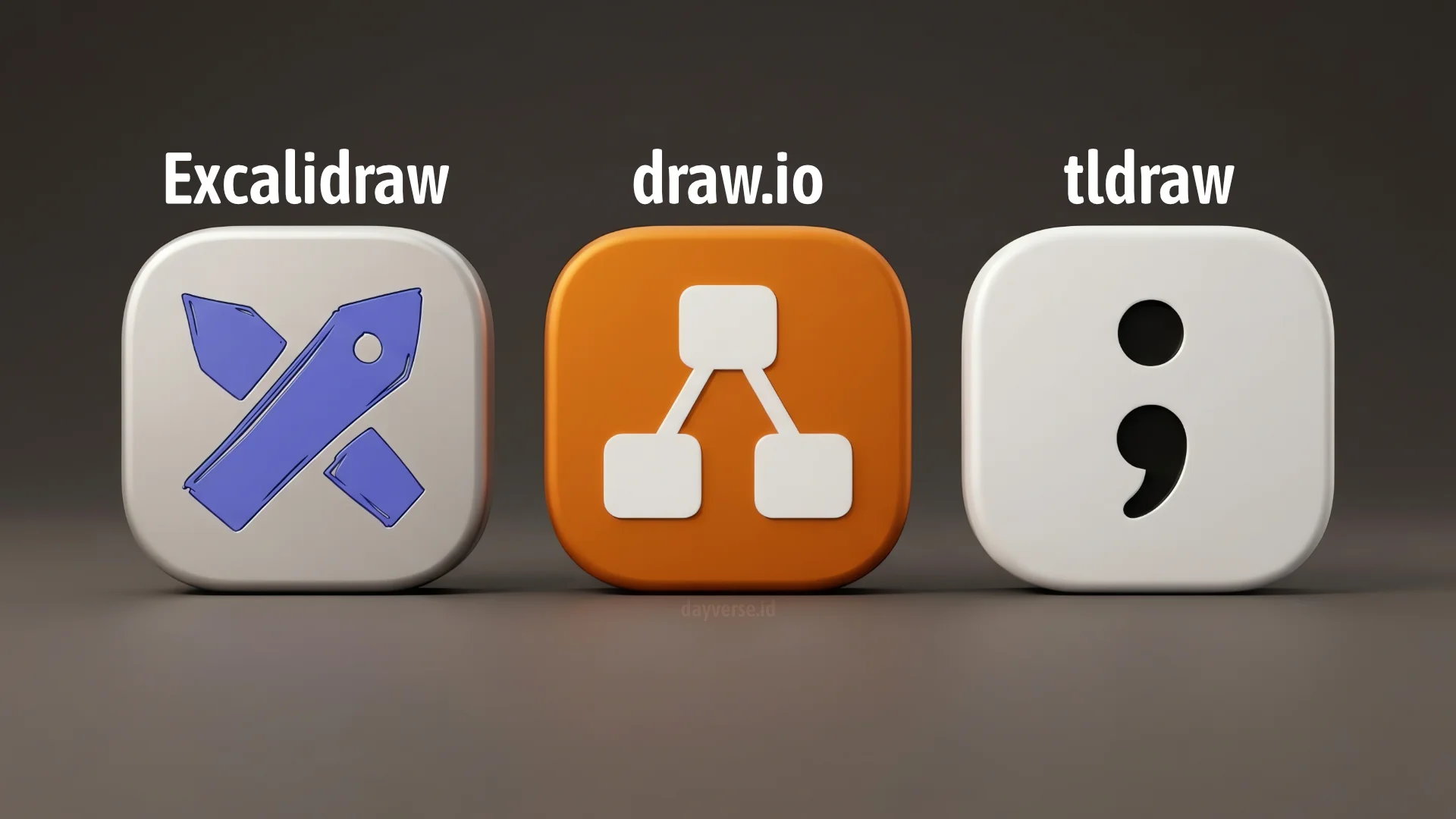
In recent years, diagramming applications and digital whiteboards have evolved rapidly. Among the various choices available, Excalidraw, draw.io (diagrams.net), and tldraw have become three of the most frequently used names by students, researchers, designers, and software engineers alike. Although all three allow users to create diagrams and visualize ideas, each actually has a very different philosophy, purpose, and key strengths.
Understanding these differences is important so that users can choose the tool that best suits their needs. Using the right application not only boosts productivity, but also makes the process of thinking, discussing, and documenting work more effective.
Understanding the Main Purpose of Each Application
The most fundamental difference between these three applications lies in their intended purpose.
Excalidraw is a digital whiteboard that displays diagrams in a hand-drawn or sketchy style. Its goal is to help users convey ideas quickly without getting discussions bogged down in overly formal visual details. Because of its casual and easy-to-understand look, Excalidraw has become a favorite tool among software engineers for system design discussions, concept presentations, and learning sessions.
Unlike Excalidraw, draw.io was developed as a professional diagramming tool. This application is oriented toward technical documentation and engineering needs. Almost any type of formal diagram can be created using draw.io, ranging from flowcharts, UML, Entity Relationship Diagrams (ERDs), Business Process Model and Notation (BPMN), to cloud architecture and computer network diagrams.
Finally, tldraw is designed as an infinite whiteboard that focuses on visual thinking and freeform brainstorming. Rather than just serving as a traditional web-based canvas, it has evolved (particularly through its desktop version, tldraw offline) into a local, file-based system (.tldraw) that bundles pages, assets, and scripts together. This file-based architecture allows tldraw to integrate directly with AI models via CLI tools like codex cli, claude cli, or the open-source opencode cli. Operating as a visual “programming harness,” it enables the user’s preferred AI to read the canvas, write automation scripts, and execute JavaScript code locally.
User Experience and Interface
Excalidraw prioritizes simplicity. Almost all key functions are available directly on the main screen without requiring much configuration. Users can start creating diagrams within seconds of opening the application. This simplicity is one of the reasons why Excalidraw is so popular for quick discussions and online collaboration.
draw.io takes a different approach. Its interface is more complex as it provides thousands of shapes and features geared towards professional diagramming. For new users, the number of menus and options available can feel overwhelming. However, this complexity is a consequence of the comprehensive features it offers.
In terms of user experience, tldraw offers the most modern, intuitive, and responsive interface of the three, allowing users to start drawing instantly on a clean, clutter-free canvas. This seamless experience is further enhanced by its offline desktop app. Because it operates entirely locally and stores work in standalone files, users can brainstorm on the go without an internet connection. Furthermore, this local execution environment makes it safe to run AI-driven scripts and code generation directly within the editor, eliminating the security and privacy risks of executing arbitrary code on a remote cloud server.
Diagramming Capabilities
Excalidraw is also capable of making various simple diagrams. However, its signature hand-drawn style makes it more suitable for explaining concepts rather than producing official documentation. As diagrams grow larger and more complex, this limitation becomes apparent.
If the primary need is to create formal and technical diagrams, draw.io is the most superior choice. The application provides excellent support for UML, ERDs, BPMN, sequence diagrams, network diagrams, as well as architecture diagrams for various cloud platforms like AWS, Azure, and Google Cloud. Additionally, precise alignment and snapping features ensure that the resulting diagrams look professional and consistent.
While tldraw is capable of producing simple flowcharts and conceptual user flows, its true strength lies in its ability to serve as a symbolic interaction environment. Powered by the offline AI integration, users can sketch out rough UI components and direct the AI to bind actual interactive behaviors to them using local JavaScript. Developers can even use the tldraw canvas as a high-level visual abstraction of a complex codebase or workflow pipeline, making manual visual updates that the AI can interpret to modify the underlying source code in the background.
Pros and Cons of Each Application
The following is a comparison of the pros and cons for each application:
Excalidraw
| Pros | Cons |
|---|---|
|
|
draw.io
| Pros | Cons |
|---|---|
|
|
tldraw
| Pros | Cons |
|---|---|
|
|
Who Should Use Each Application?
Excalidraw is ideal for users who frequently discuss and collaborate. Software engineers, mentors, teachers, students, technical leads, and startup teams often choose Excalidraw for its ability to simplify visual communication in a short amount of time.
draw.io is more suitable for users who need accurate and professional technical documentation. Software engineers, system analysts, database engineers, network engineers, DevOps engineers, and enterprise architects are the groups that benefit most from this application’s capabilities.
tldraw is perfect for users who frequently explore ideas and think visually. UI/UX designers, product managers, startup founders, students, researchers, and software architects will benefit greatly from the flexibility and programmable ecosystem it offers.
Conclusion
No single application excels in all aspects. The best choice depends heavily on your usage goals.
Meanwhile, for users who need a tool for discussion, teaching, presenting concepts, or making quick collaborative diagrams, Excalidraw offers an excellent balance between simplicity, speed, and ease of use.
If your main focus is creating formal, structured, and industry-standard technical documentation, draw.io remains the best choice. Its comprehensive features and support for various diagram types make it a hard-to-beat solution.
If your primary needs are brainstorming, visual thinking, wireframing, and idea exploration, tldraw is a highly attractive choice. Its natural drawing experience makes the thinking process smoother and more flexible.
In practice, many professionals actually combine all three. The initial ideas are often explored using Excalidraw or tldraw. Once the concept is mature, official documentation is then created using draw.io. This approach allows each application to be used for its core strengths, making the workflow more effective and efficient.