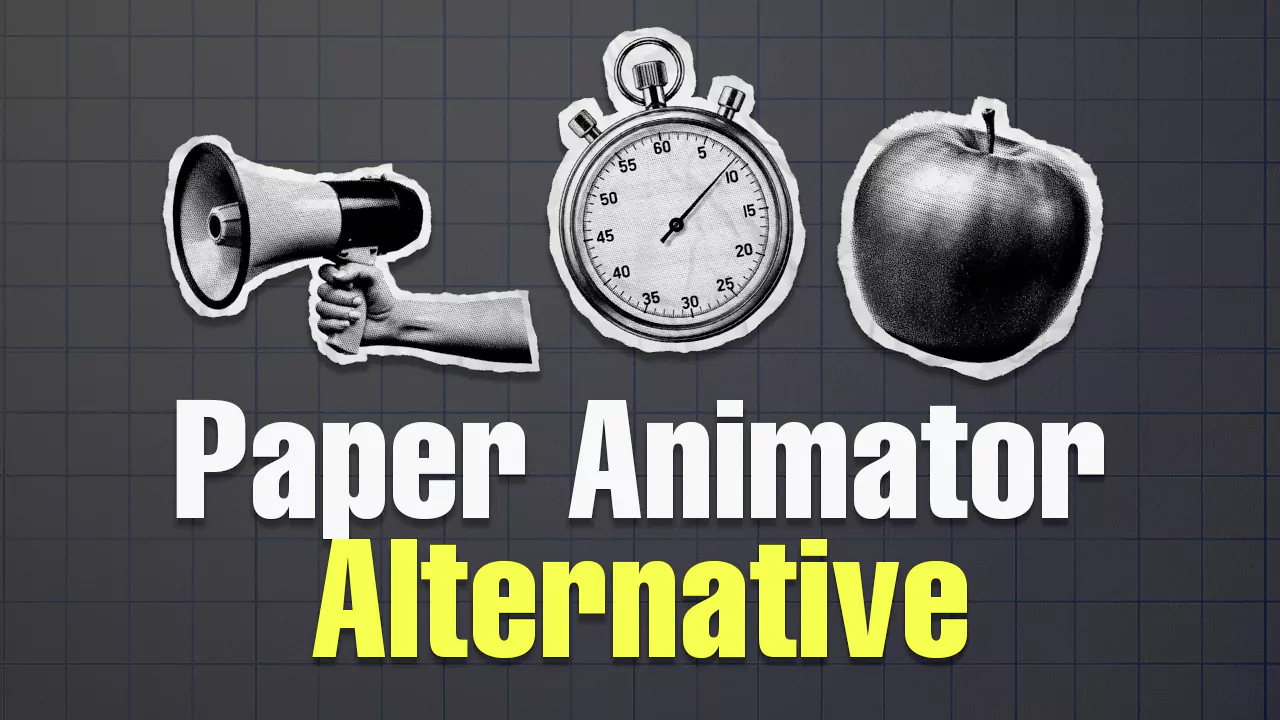
Paper animation has become a popular trend in social media and creative content creation. PaperAnimator.com is one platform that offers paper animation solutions with various attractive features such as paper cut-out effects, paper fold-out animations, magazine letters, and text match cut animations.
PaperAnimator.com uses an intuitive drag & drop interface with pan & zoom capabilities, background removal features with advanced object selection, and export options to green screen and transparent PNG formats. However, like other online platforms, PaperAnimator.com has certain limitations that encourage users to seek alternative solutions. The platform requires registration and login to access full features, and has export restrictions that may not suit all user needs.
First Alternative: Paperima - Free and Open source Solution
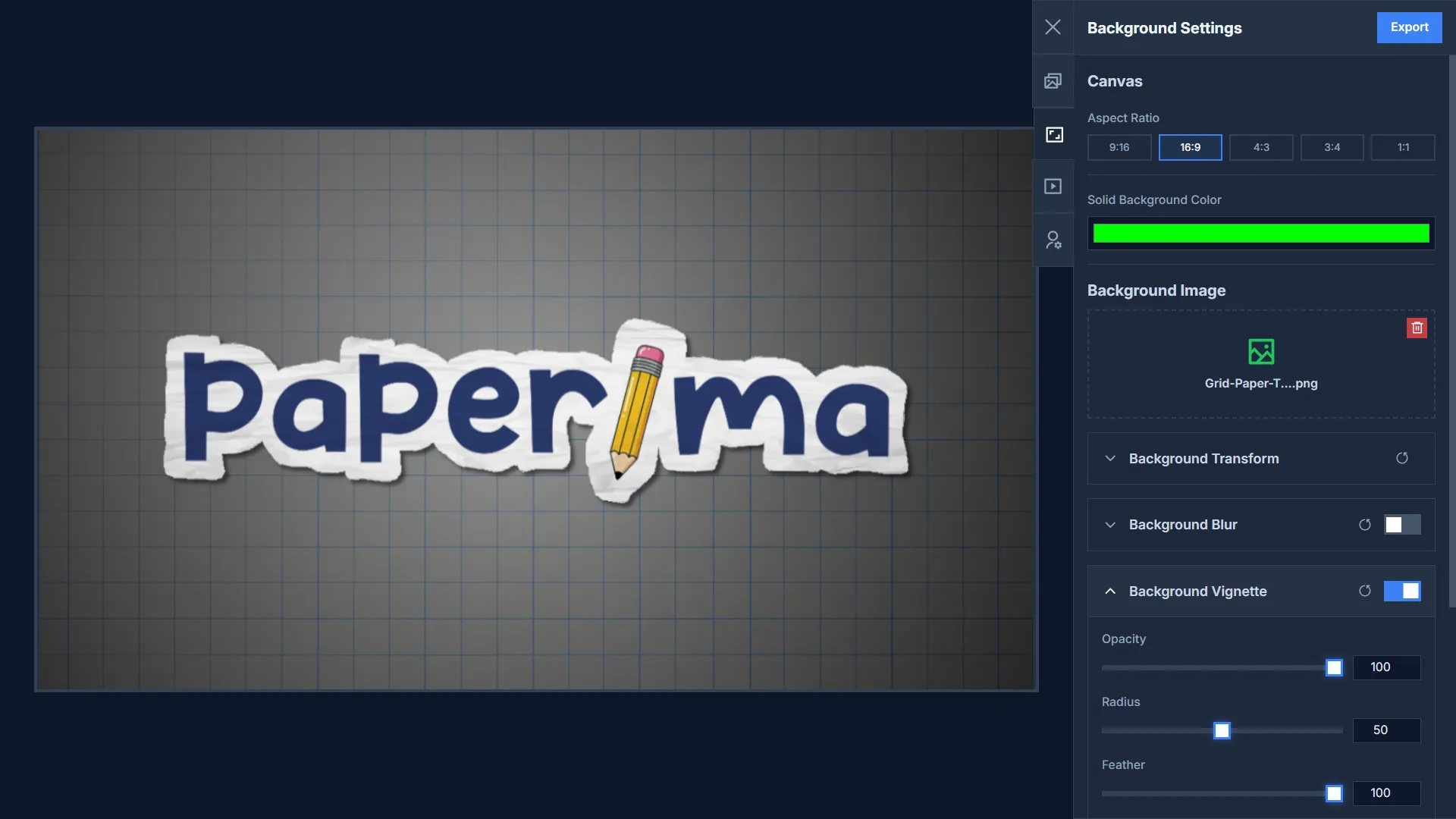
Paperima emerges as an open source alternative that addresses the main limitations of PaperAnimator.com with a truly free approach that is not hindered by paywalls. As an open source web application, Paperima provides complete transparency to users about how the application works, while ensuring there are no export quantity limitations like those experienced by free users on PaperAnimator.com. The most prominent feature is the “privacy-first” philosophy it implements, where the entire animation creation process is performed locally on the user’s device without sending images or visual data to any server.
Another highly practical advantage is Paperima’s ability to be accessed offline after the web app is installed, providing complete flexibility for users to create paper animations without depending on internet connectivity. In terms of features and control, Paperima offers more comprehensive and detailed parameters, allowing users to adjust image size, image position, movement speed, paper effect intensity, and various other customization aspects without requiring registration or login.
However, there are some limitations to consider. The export format currently only supports WebM, although this format remains high quality and efficient for most digital content needs. It should be noted that some older devices may occasionally have issues when trying to play WebM format videos. Additionally, in version 1.0, Paperima works optimally on Chromium-based browsers (such as Chrome or Edge) but may experience some compatibility issues when opened on Firefox and Safari browsers, which could affect the user experience on those platforms.
Second Alternative: CapCut with Transition Effects
CapCut, the popular video editing application from ByteDance, offers an alternative approach to creating paper animations through various available transition effects. CapCut’s main advantage lies in its mature and well-integrated ecosystem, available across various mobile and desktop platforms with an interface familiar to many users. The platform provides various preset effects such as parallax, layering, and dynamic transitions that can be utilized to create illusions of depth and movement in static images, producing effects similar to paper animations.
However, CapCut’s main limitation lies in the freemium business model it implements. Many high-quality transition effects and advanced features require paid subscriptions, so to achieve truly satisfying paper animation results, users may have to deal with paywalls that limit access to the premium tools needed.
Third Alternative: Adobe After Effects - Professional Solution
Adobe After Effects offers the most comprehensive approach to creating paper animations with full control and professional quality. To create realistic paper animation effects, users can utilize a combination of mask tools to separate objects into layers that can be animated independently, Turbulence Displace effects to create organic movements resembling paper blown by wind, and blend modes like Multiply and Overlay to add convincing paper textures. Particle systems can be integrated to add elements of dust or flying paper fragments, while displacement maps provide uneven surface textures to mimic the physical characteristics of real paper.
Although After Effects delivers superior results and unlimited flexibility, this platform has an extremely steep learning curve that can overwhelm beginners with the interface complexity and numerous available tools. Additionally, After Effects requires significant financial investment through monthly or annual subscription systems, plus the need for high computer specifications and long render times to produce optimal quality output.
Conclusion and Recommendations
For users who prioritize ease of use while still wanting comprehensive control and guaranteed privacy, Paperima becomes an ideal choice. The combination of user-friendly interface, comprehensive features, privacy-first approach, and offline accessibility makes Paperima an attractive middle ground between ease and flexibility.