If you’ve been working with video and audio processing in the browser, you’ve likely encountered ffmpeg.wasm. It’s been the go-to solution for client-side media manipulation for years, bringing the power of FFmpeg to JavaScript through WebAssembly. But as powerful as it is, ffmpeg.wasm comes with some notable limitations that have developers searching for better solutions.
Understanding the Limitations of ffmpeg.wasm
While ffmpeg.wasm has served the community well and pioneered browser-based media processing, it has several inherent constraints that impact both performance and developer experience.
Performance bottlenecks are perhaps the most significant issue. Because ffmpeg.wasm is essentially FFmpeg compiled to WebAssembly, it doesn’t take advantage of modern browser APIs designed specifically for media processing. Everything runs through software encoding and decoding, which can be slow, especially on mobile devices. When users upload videos for processing, they often experience long wait times that feel inconsistent with modern web application expectations.
Memory constraints present another substantial challenge. ffmpeg.wasm loads entire files into memory before processing them, which makes working with large video files problematic. If you’re dealing with a 500MB video file, you’ll need to have that entire file sitting in your browser’s memory, which can easily crash tabs or even entire browsers on devices with limited RAM. This limitation effectively puts a ceiling on the size of media files your application can reliably handle.
Complex setup requirements also create friction for developers. To use multi-threading features in ffmpeg.wasm, you need to configure special CORS headers for SharedArrayBuffer support, which isn’t always possible depending on your hosting environment. This adds deployment complexity that many developers would prefer to avoid, particularly when working with third-party hosting platforms or CDN services that don’t provide fine-grained control over HTTP headers.
Bundle size is another consideration that affects user experience. ffmpeg.wasm, being a port of the entire FFmpeg codebase, results in fairly large JavaScript bundles even when you only need basic functionality. This impacts initial load times and overall user experience, particularly for users on slower connections or mobile devices with data constraints.
The architecture of ffmpeg.wasm, while impressive in bringing FFmpeg to the browser, also means that debugging and troubleshooting can be challenging. Error messages often come from deep within the compiled WebAssembly code, making it difficult to understand what went wrong when processing fails. For developers trying to build robust applications, this lack of clarity can significantly slow down development cycles.
A Modern Alternative Built for the Web
Given these limitations, developers have been asking whether there’s a better approach to browser-based media processing. The answer comes in the form of MediaBunny, a modern JavaScript library that was written from scratch specifically for web environments rather than being ported from a command-line tool.
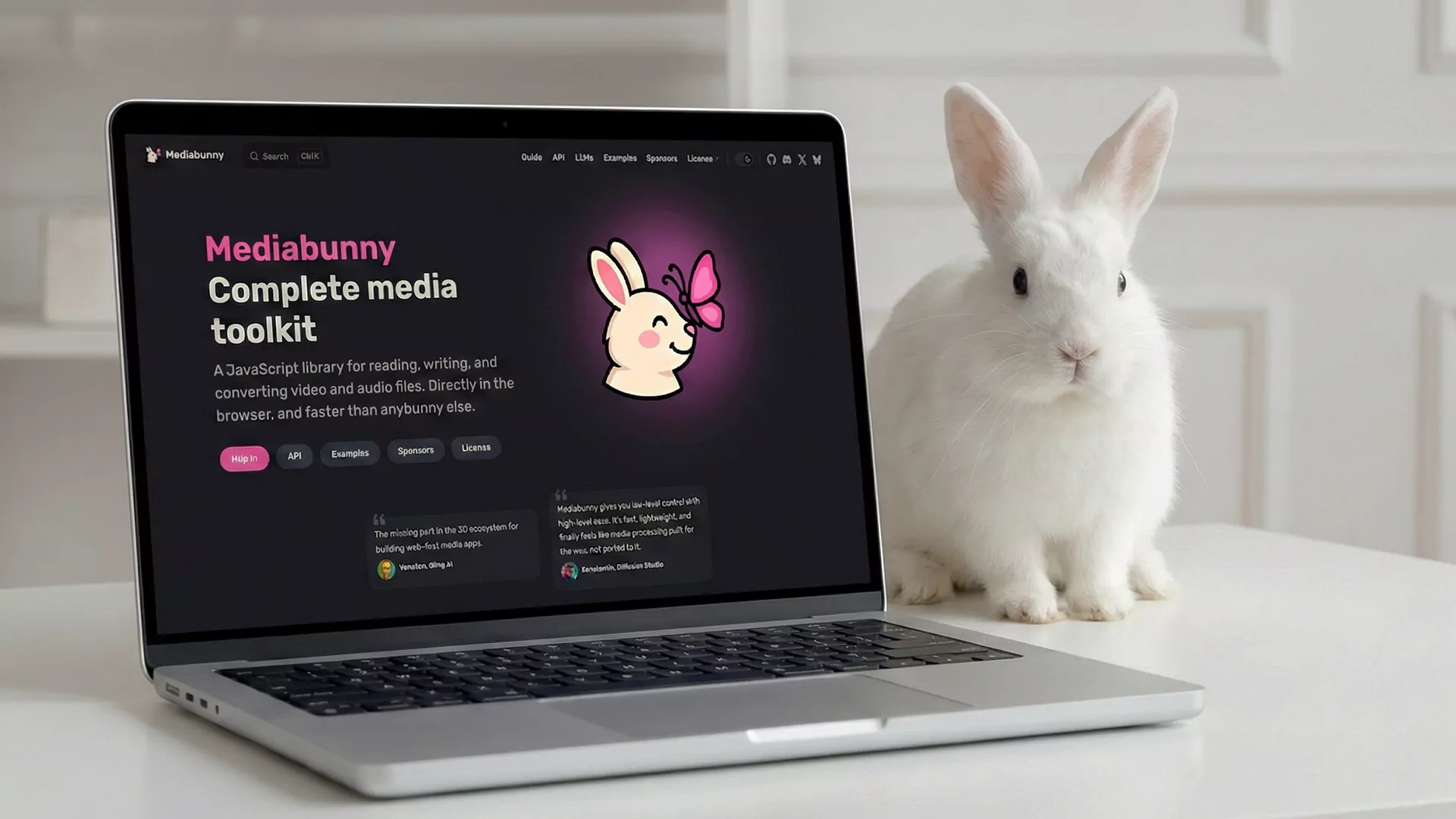
MediaBunny takes a fundamentally different approach to solving the same problem. Rather than porting a C-based command-line tool to the browser, MediaBunny was written from scratch in TypeScript specifically for web environments. This ground-up approach allows it to leverage modern browser capabilities that simply weren’t available when FFmpeg was originally designed decades ago.
The library’s architecture centers around the WebCodecs API, which provides hardware-accelerated encoding and decoding directly in the browser. This means that instead of doing all the computational heavy lifting in software like ffmpeg.wasm does, MediaBunny can offload much of the work to your device’s GPU and dedicated media processing hardware. The performance difference is substantial, with MediaBunny often processing videos several times faster than ffmpeg.wasm for common operations.
Streaming support is built into MediaBunny’s core design. Unlike ffmpeg.wasm, which requires loading entire files into memory, MediaBunny can process media in chunks as it reads from disk or network. This makes working with large files not just possible, but practical. You can transcode a 2GB video file without needing 2GB of available RAM, because the library processes it piece by piece.
The library supports an impressive range of formats out of the box, including MP4, WebM, MKV, MOV, WAV, MP3, Ogg, and FLAC. This broad format support means you can handle most common media processing tasks without worrying about compatibility issues.
Practical Advantages for Developers
From a developer experience perspective, MediaBunny offers several compelling benefits. The library is written in TypeScript with zero dependencies, providing excellent type safety and autocomplete in modern editors. The API is designed to be intuitive and chainable, making common operations straightforward to implement.
Tree-shaking support is particularly impressive. Because MediaBunny is modular, bundlers can eliminate unused code effectively. If you only need MP4 demuxing, you can end up with a bundle as small as 5 kilobytes gzipped. Compare this to ffmpeg.wasm, where you’re essentially shipping a significant portion of FFmpeg regardless of how much functionality you actually use.
Precision editing is another area where MediaBunny excels. The library operates with microsecond precision, allowing for frame-accurate trimming and editing operations. This level of precision is crucial for professional video editing applications but is difficult to achieve reliably with ffmpeg.wasm.
The library also provides comprehensive conversion capabilities. You can transmux (change container format without re-encoding), transcode (re-encode to different codecs), resize, rotate, crop, and perform various other transformations. All of these operations can be combined and pipelined efficiently thanks to the streaming architecture.
Licensing and Community Support
MediaBunny is released under the Mozilla Public License 2.0, which is permissive enough for commercial use while ensuring that improvements to the library itself remain open source. This licensing model strikes a good balance between open source principles and commercial viability.
The library has gained significant traction in the developer community. Notably, Remotion, a popular framework for programmatic video creation, now recommends MediaBunny for new projects and has even announced plans to deprecate their own Media Parser library in favor of MediaBunny. This endorsement from a well-respected project in the space speaks to MediaBunny’s quality and reliability.
When to Choose MediaBunny Over ffmpeg.wasm
MediaBunny is particularly well-suited for several use cases. If you’re building a web application that needs to process user-uploaded videos, MediaBunny’s streaming capabilities and hardware acceleration make it the clear choice. The ability to handle large files without excessive memory usage is crucial for production applications.
For browser-based video editors, MediaBunny’s frame-accurate editing and low latency make it ideal. The microsecond precision and fast processing times provide a responsive user experience that would be difficult to achieve with ffmpeg.wasm.
If bundle size is a concern for your application, MediaBunny’s tree-shakeable architecture allows you to ship only the code you need. This is especially important for mobile users or those on slower connections where every kilobyte counts.
Modern web applications that can rely on recent browser versions will benefit most from MediaBunny, as it leverages cutting-edge APIs like WebCodecs. If you need to support older browsers that lack WebCodecs support, you may need to provide fallbacks or stick with ffmpeg.wasm for those cases.
Making the Transition
If you’re currently using ffmpeg.wasm and considering a switch to MediaBunny, the transition is generally straightforward. While the APIs are different, the concepts are similar enough that experienced developers can usually migrate existing functionality within a reasonable timeframe. The MediaBunny documentation provides clear examples for common operations, and the TypeScript types help catch potential issues during development.
It’s worth noting that ffmpeg.wasm still has its place. For applications that need obscure codec support or very specific FFmpeg features, sticking with ffmpeg.wasm might make sense. FFmpeg supports an incredibly wide range of formats and codecs that MediaBunny may not yet handle. However, for the majority of common media processing tasks, MediaBunny provides a faster, more efficient, and more developer-friendly solution.
Conclusion
The landscape of browser-based media processing is evolving rapidly. While ffmpeg.wasm pioneered client-side video processing and proved the concept was viable, MediaBunny represents the next generation of these tools. By building specifically for modern web browsers and leveraging APIs like WebCodecs, MediaBunny delivers better performance, lower memory usage, smaller bundle sizes, and a more pleasant developer experience.
If you’re starting a new project that involves media processing in the browser, MediaBunny should be at the top of your consideration list. For existing ffmpeg.wasm projects, evaluating whether a migration to MediaBunny makes sense could yield significant performance improvements and a better experience for your users. The web platform continues to evolve, and tools like MediaBunny show us what’s possible when libraries are designed from the ground up to take advantage of modern browser capabilities.