
Key Highlights
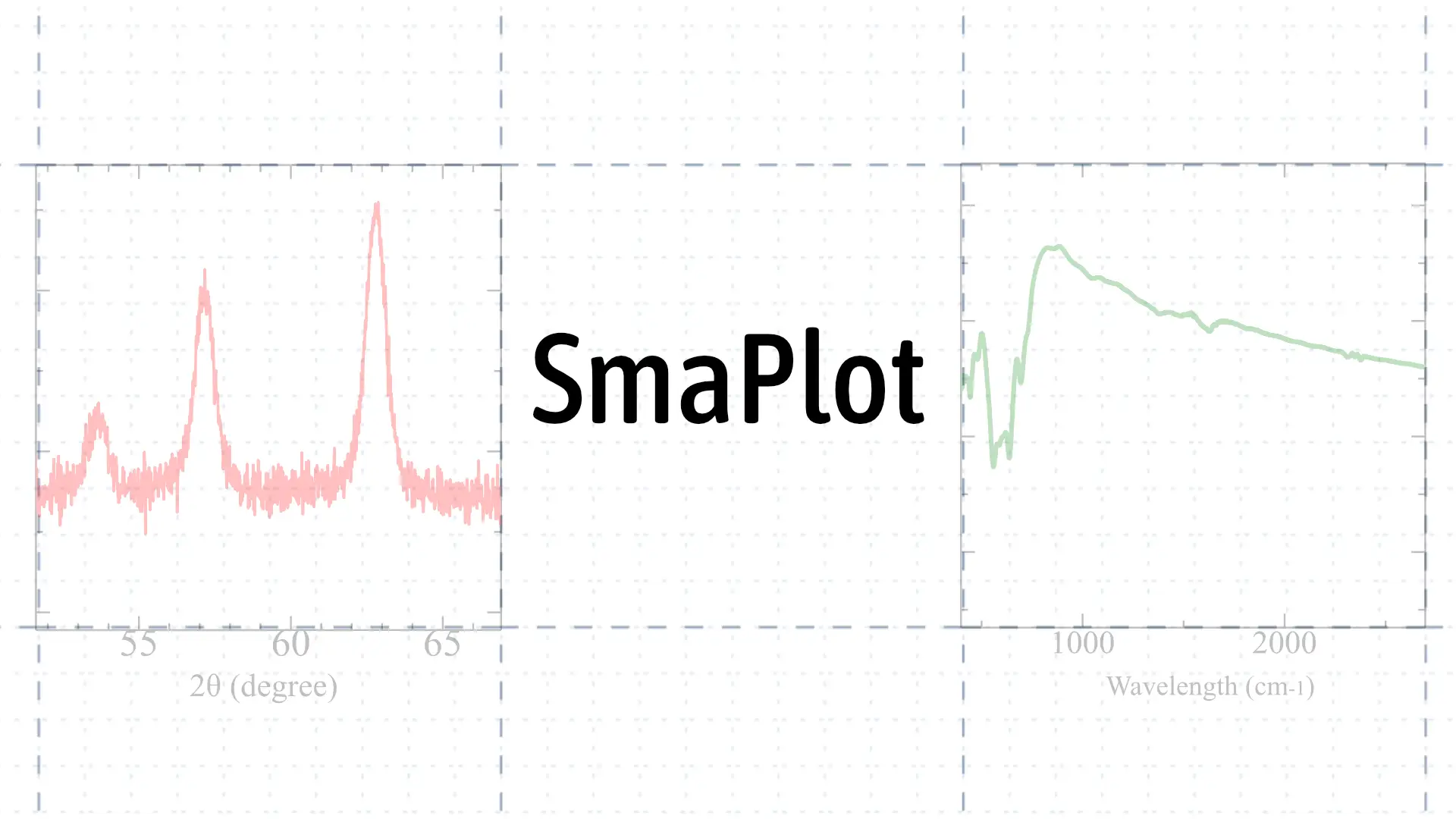
Everything you need for precise scientific graphing, streamlined for modern computing.
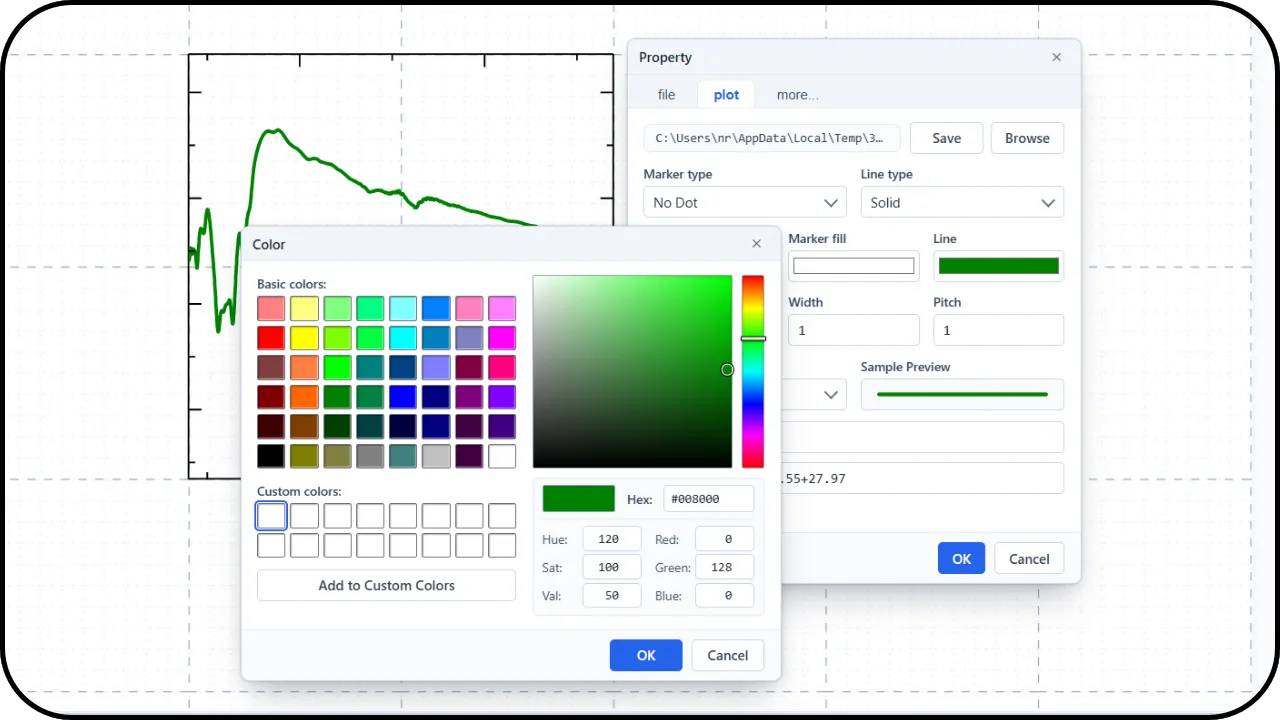
Familiar Workflow
Keep the classic Sma4Win plotting experience and intuitive interface you already know, without spending valuable time learning new tools from scratch.
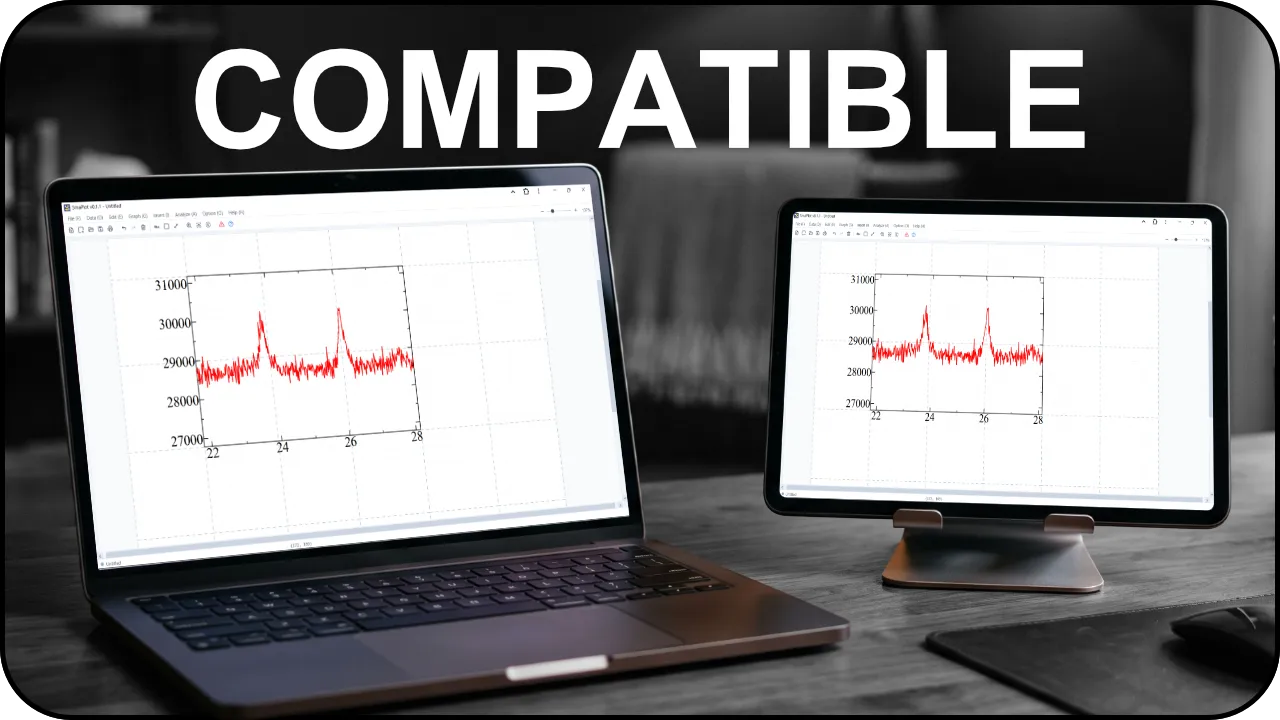
Desktop & Tablet Compatible
Works smoothly on desktop computers running Windows, macOS, and Linux, as well as touchscreen tablets. Easily installable right from your browser for a native feel.
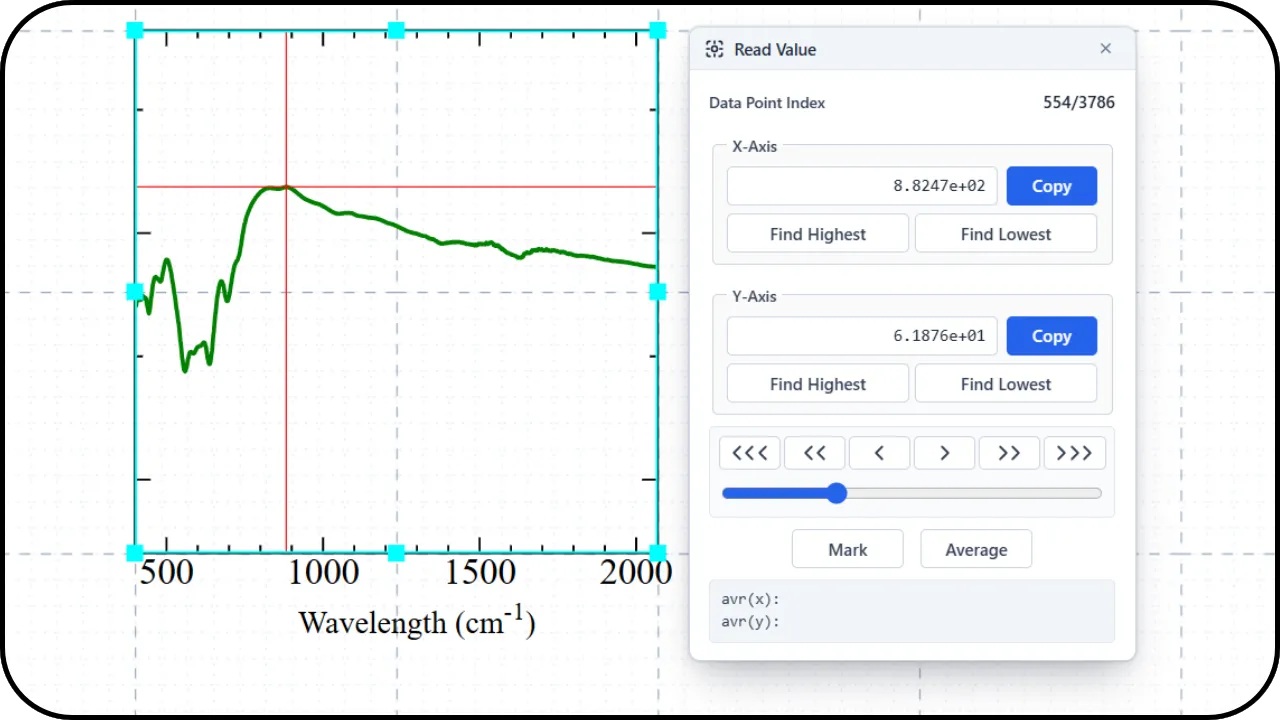
Modern Enhancements
Experience smooth canvas pan and zoom, an easy math symbol and Greek letter picker, interactive Read Value that lets you drag across plots to inspect points, and snap-to-grid alignment when moving or resizing frames.

Open Source
Built openly under the MIT License. Freely inspect the source code, customize features to your research needs, and contribute to future improvements.

Free Forever
Completely free with no subscriptions and no paywalls. Making reliable scientific plotting accessible to students, researchers, and labs everywhere.
Frequently Asked Questions
Can I open projects made in legacy Sma4Win?
Yes. SmaPlot reads native .SMP project files including plot bounds, series data, 4-axis configurations, annotations, and text formatting.
Can I export back to Sma4Win .SMP format?
Yes. Exporting saves files with standard .SMP structure and markers so legacy software can read them seamlessly.
Is my data uploaded to any remote server?
No. All data processing, curve calculations, and file rendering run entirely on your local machine within the browser.
What devices are supported for running SmaPlot?
SmaPlot runs optimally on desktop computers (Windows, macOS, Linux) and tablets. It can also be accessed and used on smartphones, though navigating the workspace may feel constrained due to smaller screen sizes.