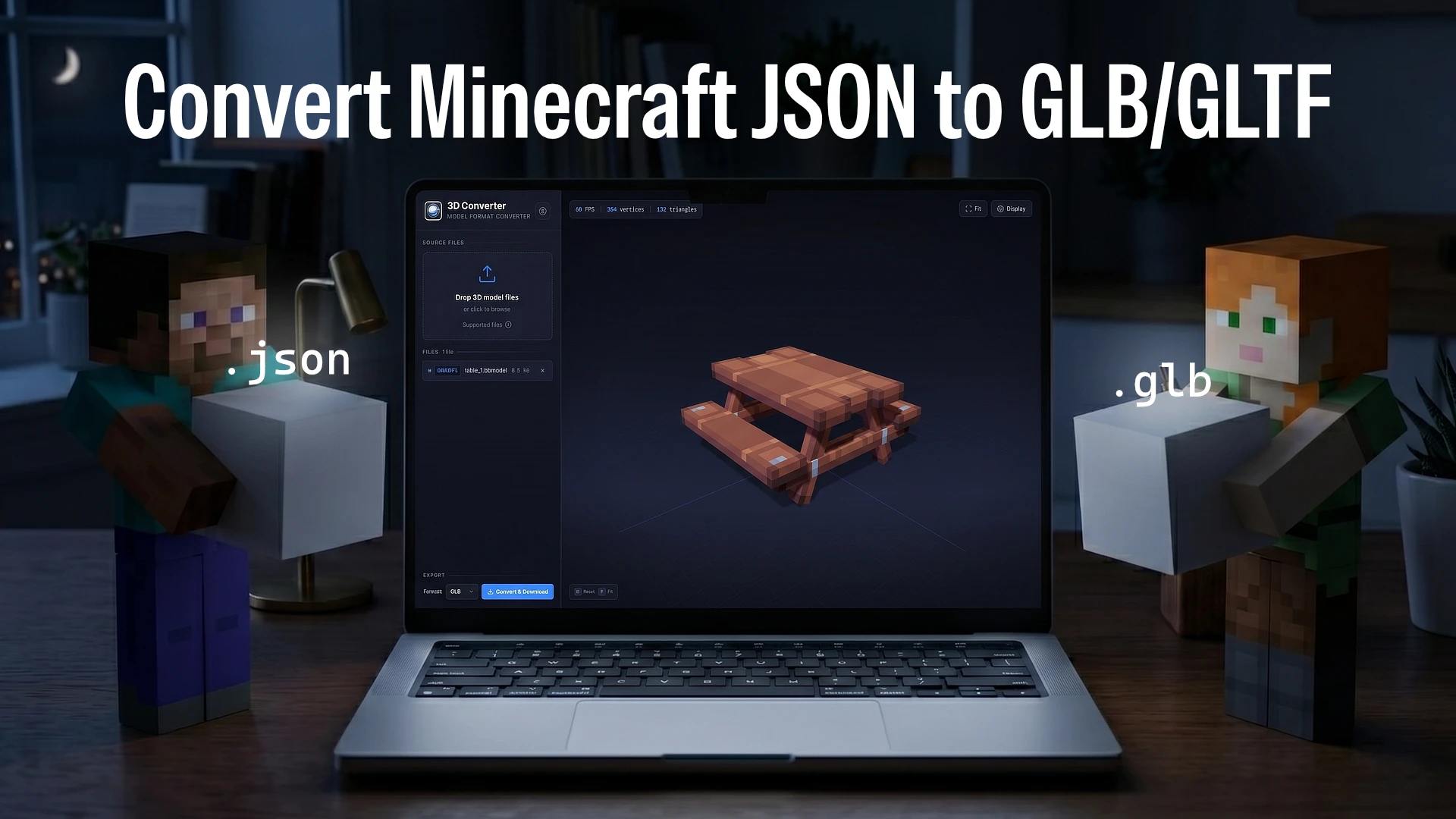
Many of us love playing around with or downloading 3D models for Minecraft Java Edition, and eventually, the idea pops up to use them outside of the game. The catch is, Minecraft Java models use the JSON format. This format is highly specific to the game and is rarely supported out of the box by standard 3D software, let alone modern game engines like Blender, Unity, or Godot.
Sometimes, we just want to render those models to make them look more realistic, display them on a website, or simply use them in a different project. To make that happen, the first hurdle to overcome is converting them into a more universal 3D format. Nowadays, the GLB (or glTF) format has become the go-to standard. Besides being lightweight, GLB is incredibly convenient because it can pack the model geometry, textures, and materials all into one single file.
So, converting those Minecraft JSON files to the GLB format is an unavoidable step if we want the assets to be usable anywhere else.
Do We Really Need Heavy Software?
Usually, when looking up how to do this conversion, the most common recommendation is to use specialized 3D modeling software like Blockbench. Blockbench is undeniably fantastic if we want to create or edit Minecraft models from scratch. Naturally, it also comes with a built-in feature to export models to GLB.
But honestly, firing up such a feature-rich application just to change a file format can feel like a bit of an overkill. Imagine having just one JSON file that needs converting. We’d have to open the program, create a new project, load the model along with its textures, hunt down the export menu, tweak the settings, and finally save it. It feels like too long of a process for what should be an incredibly simple task.
It gets even more tedious if we happen to be on a computer or laptop that doesn’t have the app installed yet. Downloading and installing software packed with hundreds of features just to click an “export” button is definitely not the most efficient use of our time.
The Instant In-Browser Solution
When the goal is solely to change a file’s format, the most logical solution is a tool dedicated entirely to that specific job. It’s so much better when the tool is lightweight, has a straightforward interface, and most importantly: requires absolutely zero installation.
For anyone looking for an instant and practical way to turn Minecraft Java JSON models into ready-to-use GLB files, the solution is right here. On this very website, we’ve provided a dedicated 3D Converter.
This web-based tool was built specifically to cut out all those lengthy steps. Without needing to launch any heavy apps, we can just open the page, drag and drop the JSON file along with its texture file, and the tool will instantly process them into a GLB file ready for download.
The entire process runs locally right in the browser in a matter of seconds. As a result, we save storage space, stop wasting time, and can immediately get back to focusing on the creative work or main project at hand.
What Makes This 3D Converter Stand Out?
Even though it looks simple, this conversion tool packs a few features that make it incredibly reliable:
-
100% Free & Local Processing
The tool is completely free to use. Plus, the entire conversion happens client-side right in the browser. This means the model and texture files are never uploaded to any server, keeping our privacy and assets totally secure. -
Multi-Texture Support
Minecraft models sometimes use multiple textures. No worries—we can just select and drop all the texture files together with the JSON file. The tool will automatically map each texture to the correct block face. -
Effortless Drag-and-Drop
There’s no need to click through clunky file browser dialogs. Just grab the files from the folder, drop them into the designated area, and the conversion starts immediately. -
Instant Download
Since there’s no server queue or extra upload process taking up bandwidth, the final GLB file is ready to be downloaded in mere seconds. -
Multiple Export Formats
While GLB is highly popular, sometimes we might need a different format. This tool also supports exporting to other universal 3D formats depending on what our project requires.
In conclusion, rather than dealing with heavy software just to change a single asset’s format, using a web-based converter like this makes a lot more sense. Give it a try, and good luck with those 3D projects!